
01
Find the weight
Start with the folders and apps using the most space. The scan stays local, and coverage stays visible.
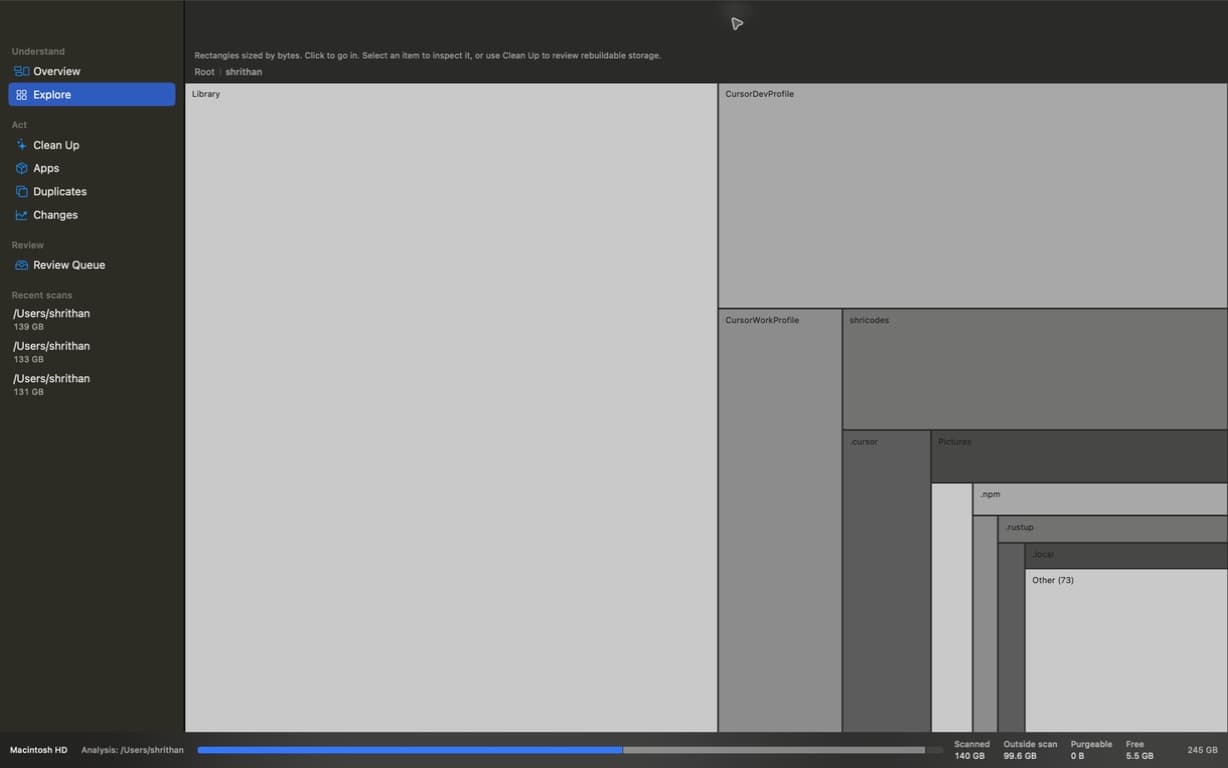
VolTally shows what is large, what is rebuildable, and what changed before you remove anything.
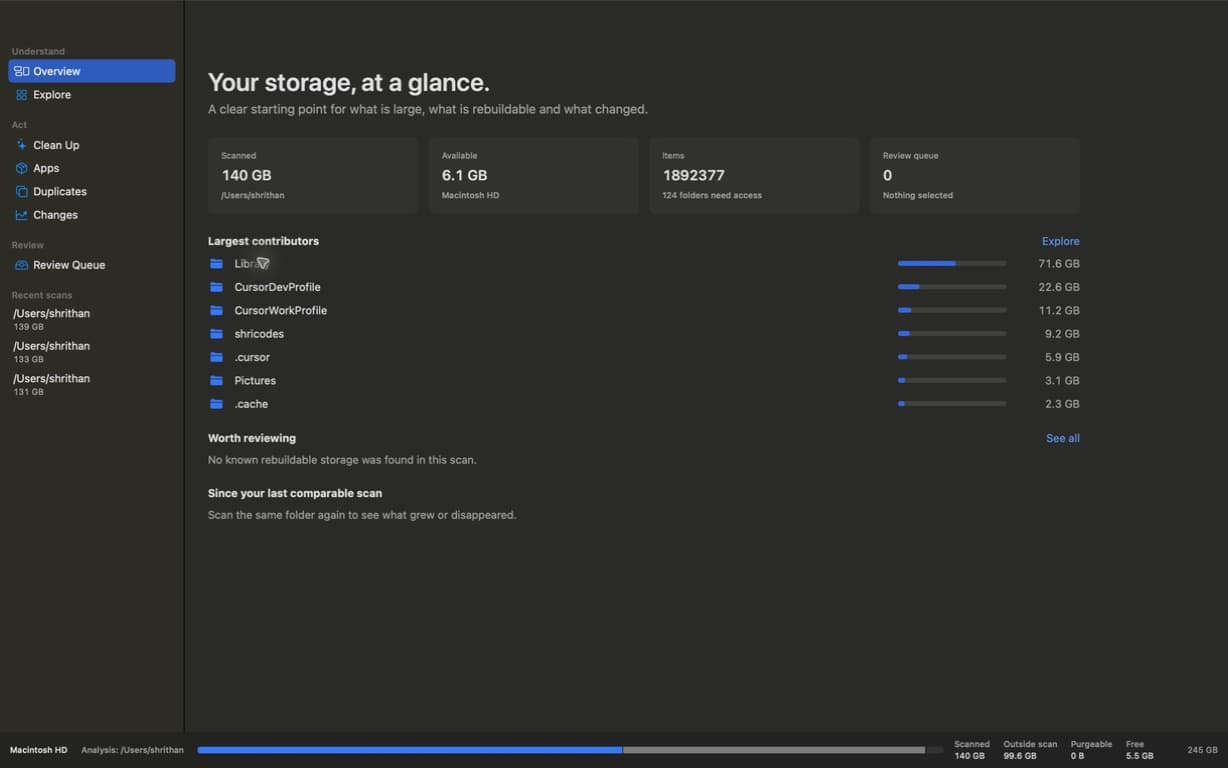
Move from the folder you recognise to the pattern you can’t see. Every view follows the same scan, so the answer never changes when the picture does.
Let proportional rectangles point to the contributors hiding in plain sight.
Same scan, different lensStart with the folders and apps using the most space. The scan stays local, and coverage stays visible.
Select anything to see its path, size on disk, and whether it is rebuildable before you decide what to do.
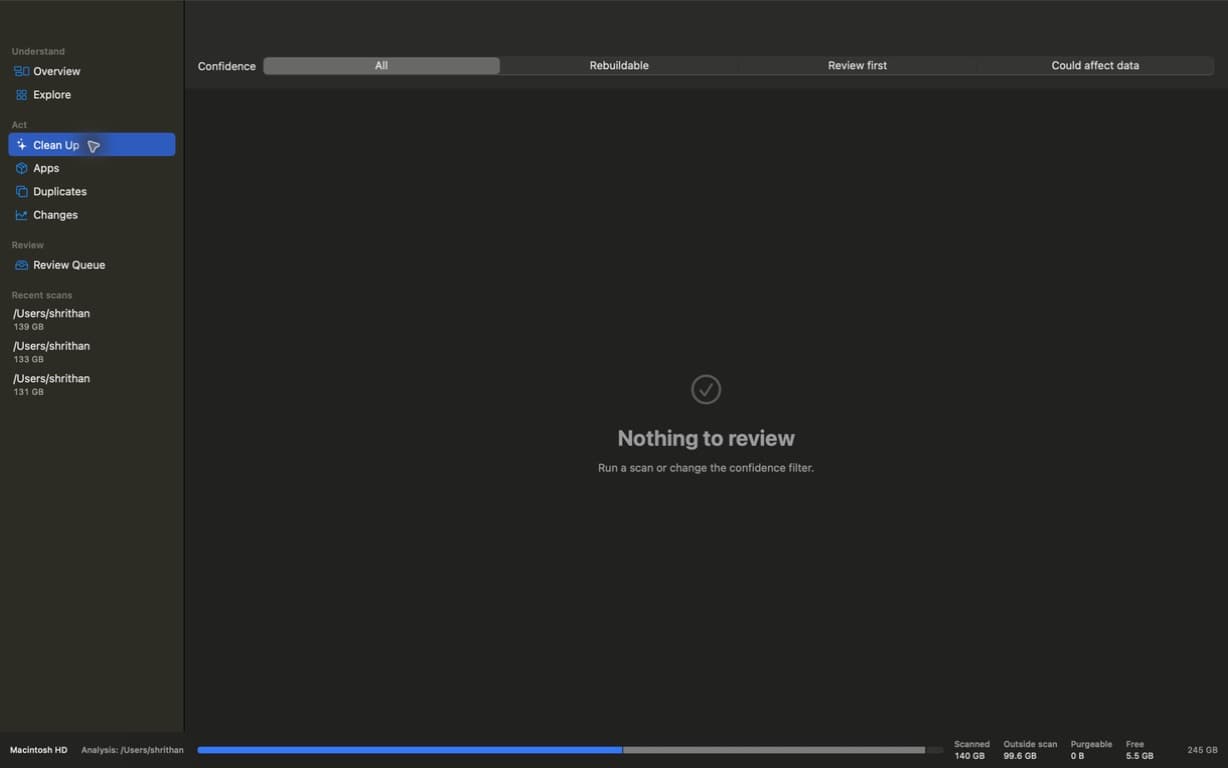
Build a queue, recheck it at the moment of action, and keep a receipt. Nothing disappears behind a magic button.
Scroll to follow one deliberate cleanup from scan to Trash.
Every block is measured before anything moves.
Caches, installers, and duplicates join a review queue.
Only your choices move to Trash. The receipt stays behind.
Buy once, keep the complete native Mac app. Download the signed release first, then activate with the key from your purchase. No subscription or account.
Lifetime access, three Macs, and every shipped workflow. One purchase. No subscription.
Exact availability, refreshed every 15 seconds.
It scans a drive or folder locally, then shows what is large, what is rebuildable, and what changed. The accounting separates measured scan coverage, available space, purgeable space, and what was not observed.
Yes. Download the signed Mac app first and look around. A purchased VolTally key is required to activate scanning and cleanup.
One purchase activates up to three Macs. You can deactivate a Mac in Settings before moving the seat to another machine.
Scanning, hashing, and duplicate matching stay on-device. The app only contacts the license service for activation and periodic validation. This website does not load analytics scripts.
Not on its own. Items go to a review queue first, paths are revalidated immediately before action, protected roots are blocked, and successful operations go to Trash with a receipt. Moving an item to Trash is not reported as space already freed.
A separate Mac App Store build unlocks with a one-time $9.99 App Store purchase on your Apple ID. That edition is not activated with a website license key, and a website purchase does not unlock the App Store build. The current public download remains the direct-sale app: $6.99 for the first 100 purchases, then $24, covering three Macs.
The first 100 completed purchases are $6.99 lifetime. After those are claimed, VolTally is $24 lifetime. One purchase covers three Macs and there is no subscription.